AI
AI Motion

The only AI motion course you actually need.
No slop techniques. No empty hype.
We’ve collected only what truly works — real, production-ready AI workflows you can plug straight into client projects.

The only AI motion course you actually need.
No slop techniques. No empty hype.
We’ve collected only what truly works — real, production-ready AI workflows you can plug straight into client projects.
AI Motion is a hands-on course focused on real AI workflows used in modern motion and video production. You won’t just test tools — you’ll learn how to think, combine, and apply AI like a creative director, not a button-clicker.
We will work fast with FlashBoards to understand how an AI production pipeline actually works. The course finishes with real creative practice:
music videos, 3D, frame by frame, anime trailers, and a final promo where we mix all styles together. You’ll learn how to add motion thinking, visual direction, and a completely different mindset to AI-generated content.
This is not about tools.
It’s about creative control.
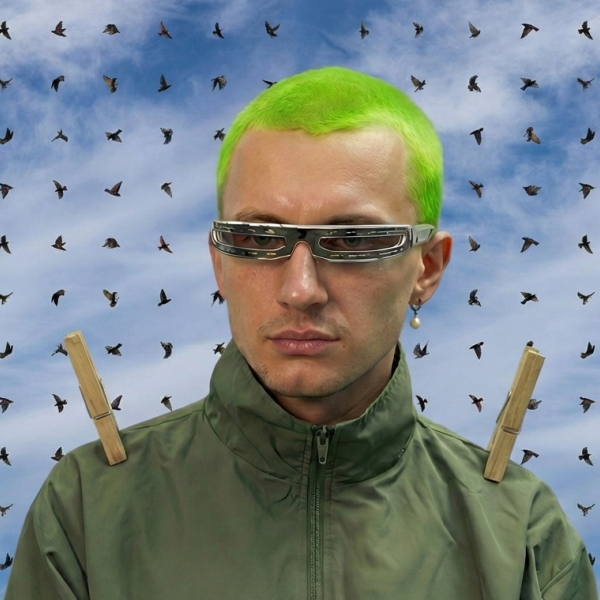
Learn AI pipelines that are actually used in real client work — from fast tests to final delivery.
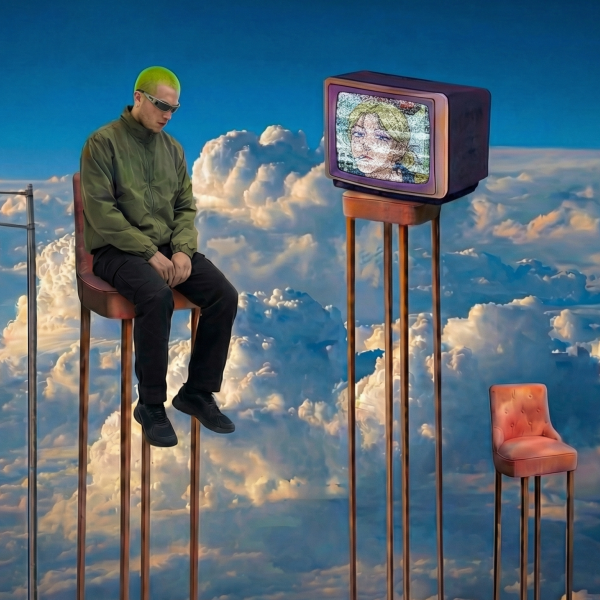
Understand the strengths, limits, and use-cases of free ComfyUI workflows versus commercial tools.
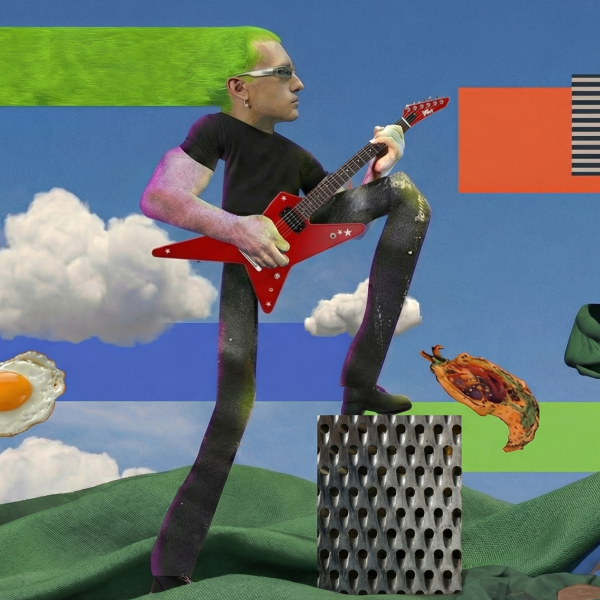
Go beyond prompts — learn how to think in shots, styles, rhythm, and visual storytelling.
9 lectures / 3+
A quick warm-up to understand how FlashBoards works in practice.
You’ll explore the interface, logic, and workflow behind FlashBoards, then test Nano Banana Pro to see how fast AI motion pipelines can be built when tools are connected properly.
The goal is to develop intuition, not memorization — understanding how prompts, settings, and iterations affect motion, timing, and style.
This lesson sets the foundation for all further workflows in the course.
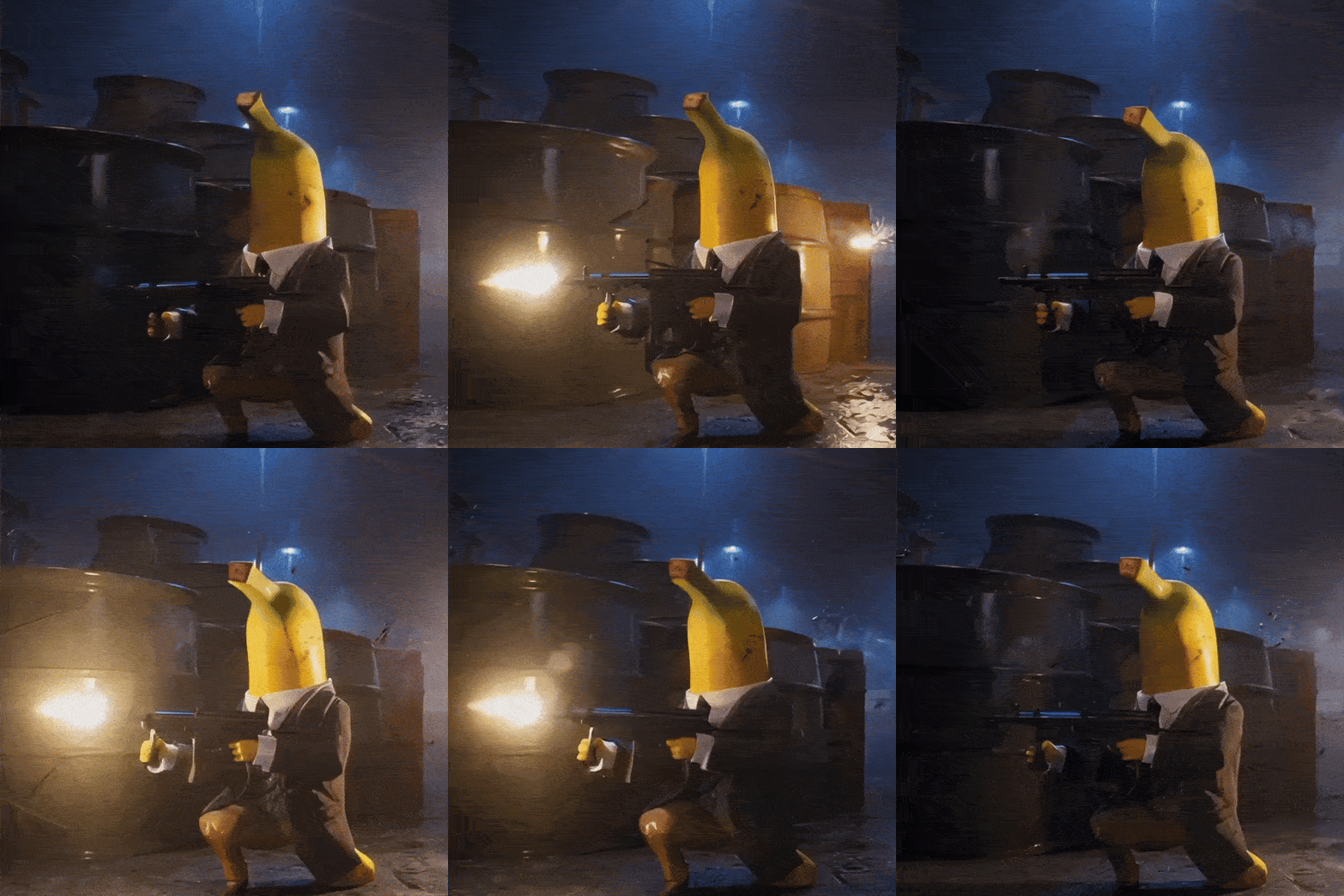
Create your first structured video using storyboards as the core input.
You’ll learn how to plan shots, think in sequences, and control AI output instead of generating random clips.
We’ll cover creative structure, pacing, and consistency — how to guide Sora 2 toward predictable, high-quality results.
This lesson focuses on turning ideas into controllable video outputs that can be refined and reused.

A deep dive into free, open-source ComfyUI image pipelines.
You’ll compare popular community repositories with paid image-generation tools to understand where open-source excels and where it has limitations.
We’ll analyze quality, flexibility, customization, and setup complexity.
By the end, you’ll know when ComfyUI is the right choice for image work — and when paid tools save time and effort.
An exploration of open-source video pipelines built with ComfyUI.
You’ll compare these workflows with commercial AI video tools and see how far open-source can realistically go.
We’ll focus on performance, stability, visual quality, and production trade-offs.
This lesson helps you decide when open-source video is enough — and when commercial tools are the smarter option.
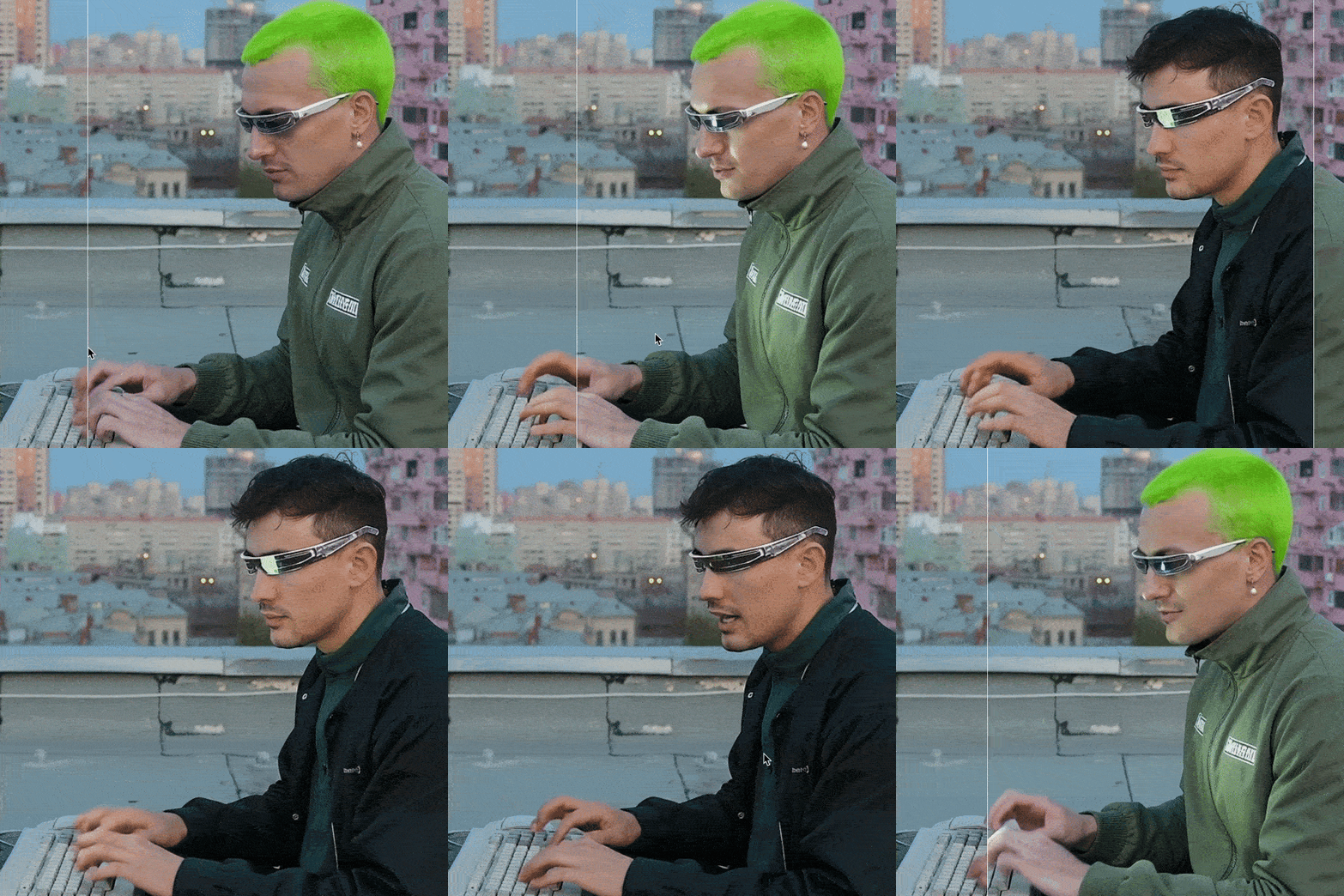
Apply everything you’ve learned to create your first AI-generated music video.
This practice is about rhythm, pacing, mood, and visual storytelling driven by sound.
You’ll combine image, video, motion, and structure into a single creative piece.
The focus is on experimentation, style exploration, and building confidence in end-to-end AI video production.
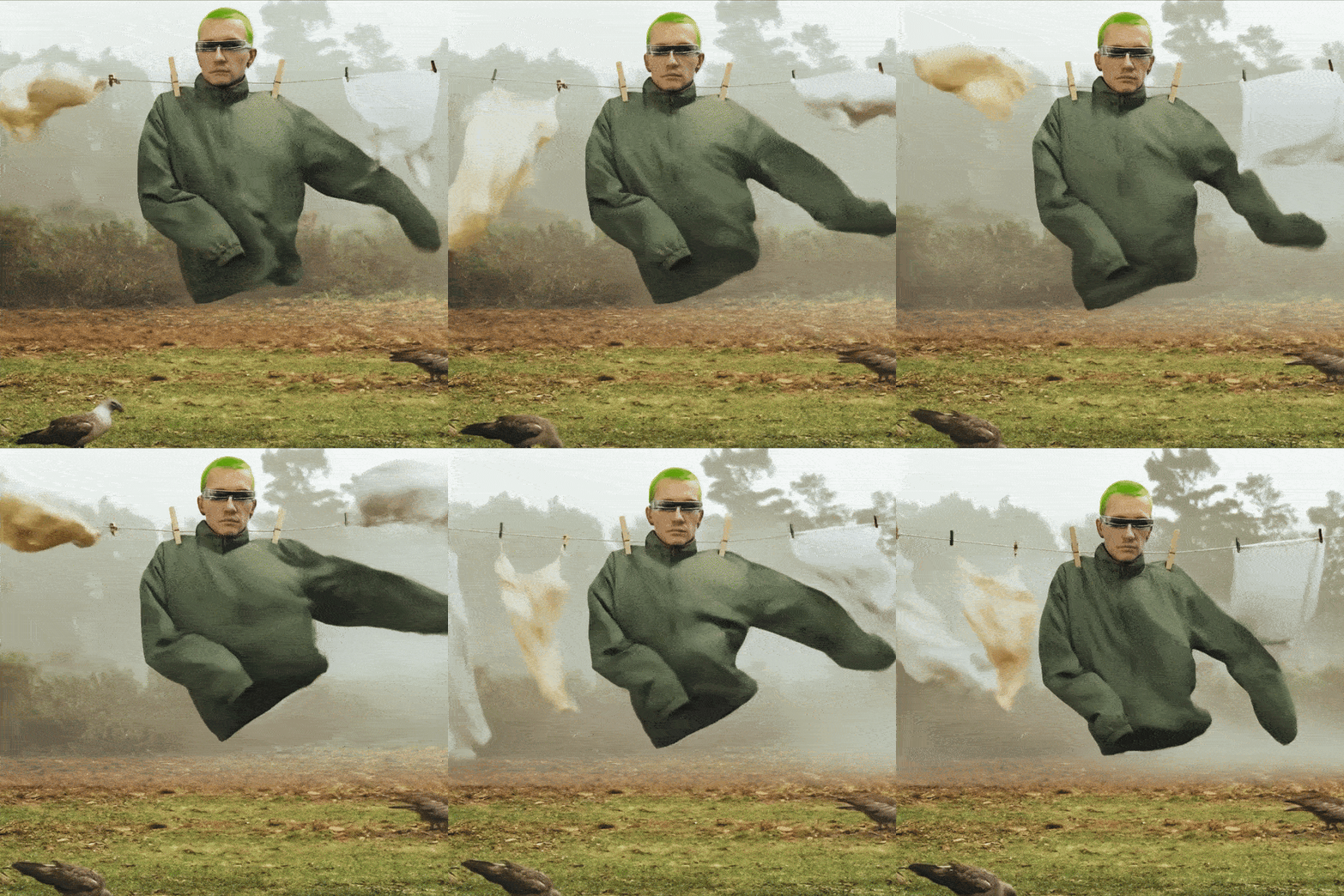
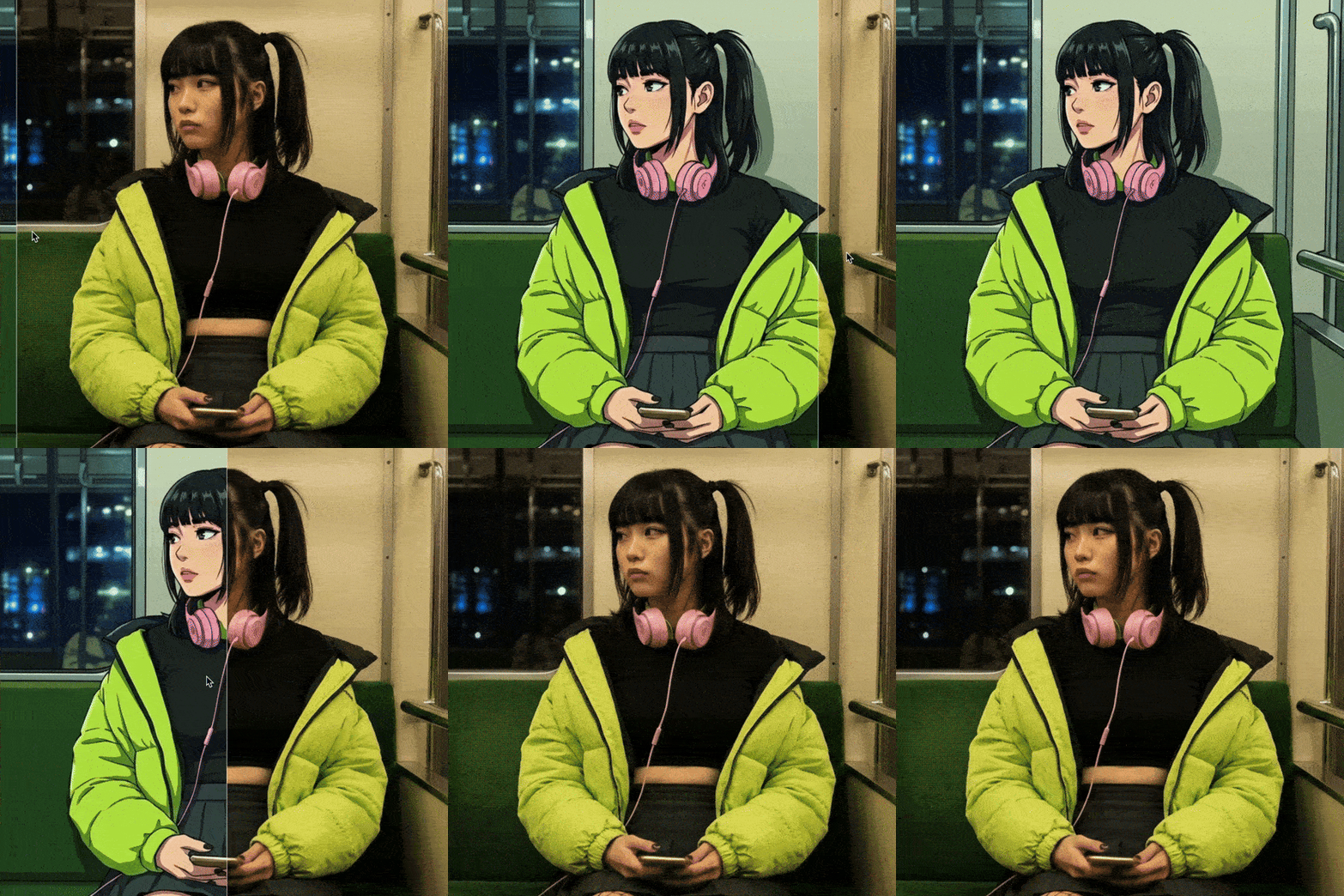
Create an anime-style trailer using AI tools and structured creative thinking.
You’ll learn how to adapt prompts, visuals, and pacing to match anime aesthetics and narrative intensity.
This lesson emphasizes storytelling, dramatic composition, and style consistency.
By the end, you’ll have a complete anime-inspired trailer and a clear understanding of how to approach stylized genres with AI.

Final practice focused on synthesis and creative decision-making.
You’ll combine all previously explored styles into a single cohesive video, break down a real promo structure, and understand how different AI tools can work together inside one production pipeline.
We’ll focus on creative intent, not just tools — how to think like a director, how to connect visuals emotionally, and how to build a promo that feels intentional, dynamic, and finished.
This lesson ties everything together and shows how to move from experiments to production-ready results.
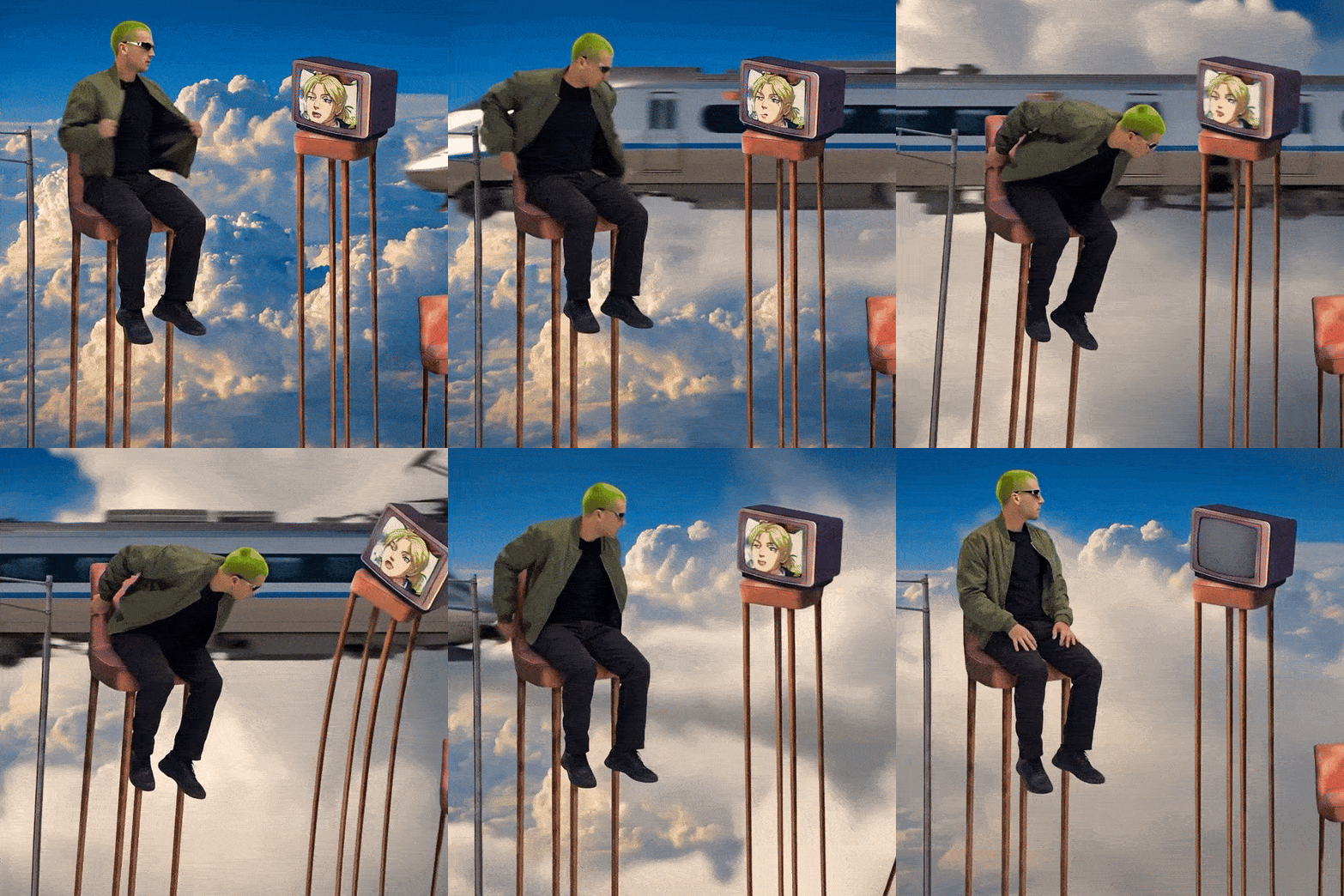
A deep dive into Seedance 2 — currently one of the strongest models for Hollywood-level cinematic output and premium visual quality.
In this lesson, you’ll explore the core capabilities of the model, understand how its motion logic works, and learn how to structure prompts specifically for high-end cinematic results.
The focus is not just on generating clips, but on understanding how prompt phrasing, pacing, and scene construction influence realism, camera behavior, and visual consistency.
This lesson builds the foundation for advanced Seedance workflows in the following modules.
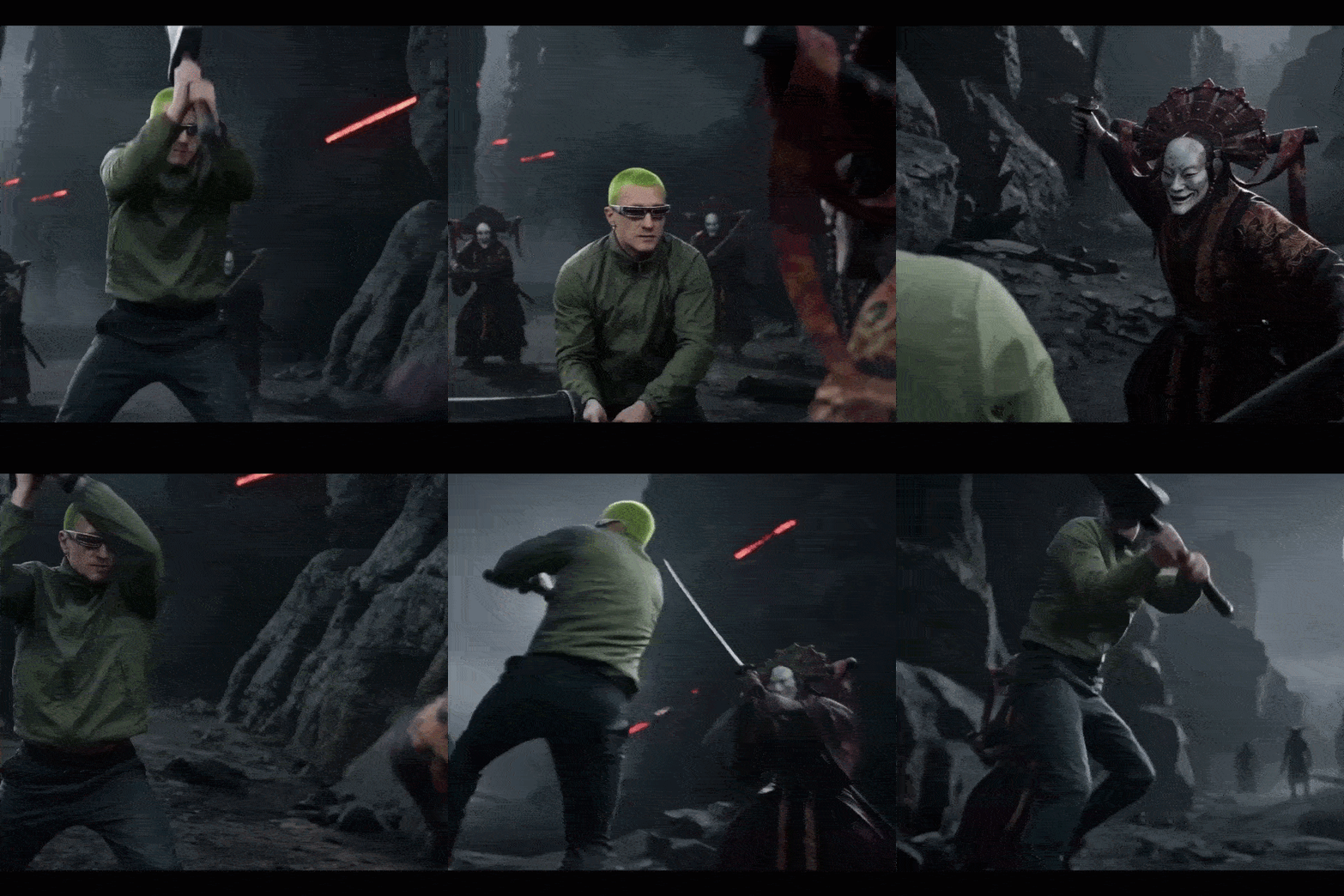
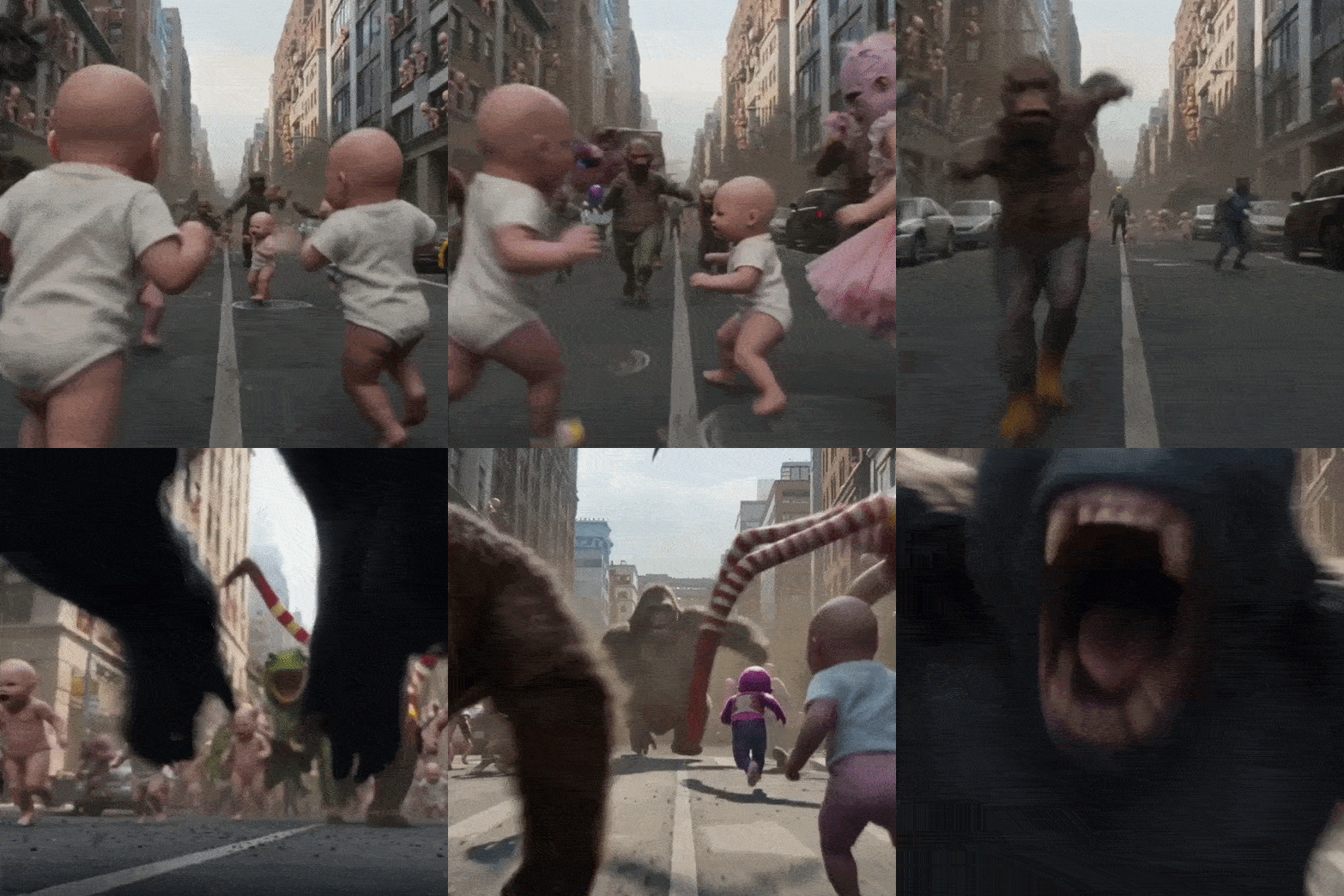
Now we push Seedance to its limits.
In this lesson, we create controlled chaos — complex scenes, extreme action, layered motion, and unexpected transitions — to test how well the model handles high-intensity cinematic scenarios.
You’ll learn how to communicate complex ideas clearly, structure multi-event prompts, and guide the model through dynamic sequences without losing coherence or visual quality.
The goal is to understand not just what Seedance can do — but how to direct it confidently, even in the most demanding creative situations.

We often send free tutorials, updates and discounts on future courses. Jump on board, you will love it.