
The Magic of Walk Cycles
 Learn more
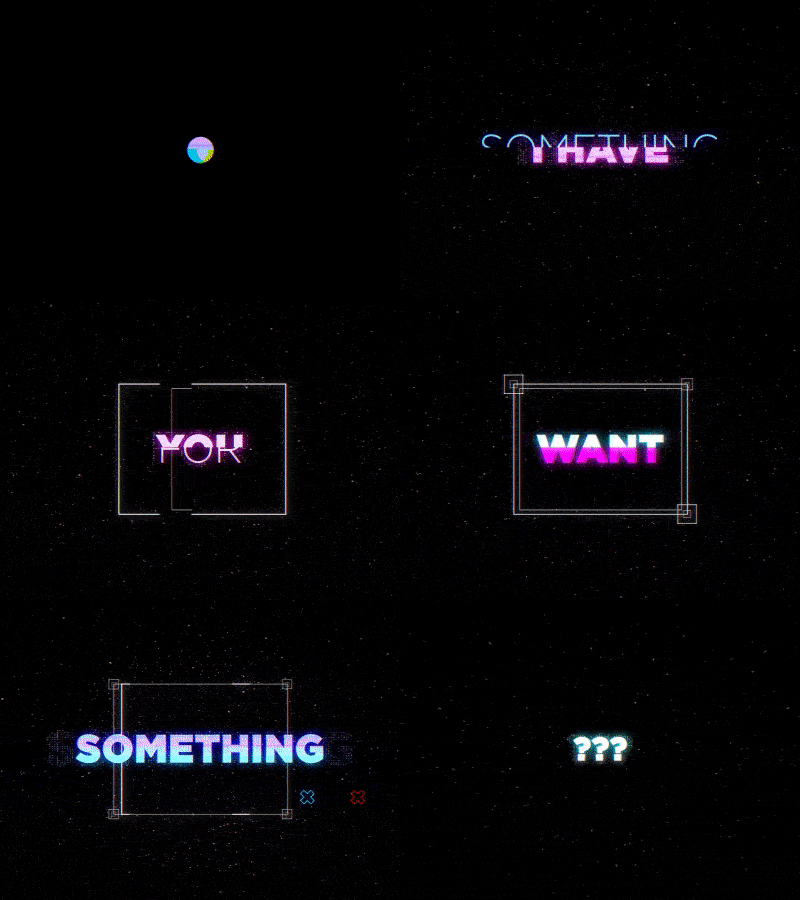
I’m going to show you the main techniques that I use to create Glitch Elements in After Effects. You will learn everything starting from creating your own library of elements and ending with the video tracking in Cinema 4D.
We’re the lucky ones here today because the glitch is an incredibly cool and stylish tool. Basically, it’s just some randomly changing pixels with some logic behind it. And if you’re watching this video then you probably already know that.
I’m going to show you the main techniques that I use to create glitch elements in After Effects. I’ve been working with this style for a couple of years now and here are some simple yet very effective techniques that I like.
8 lectures / 1.5h+
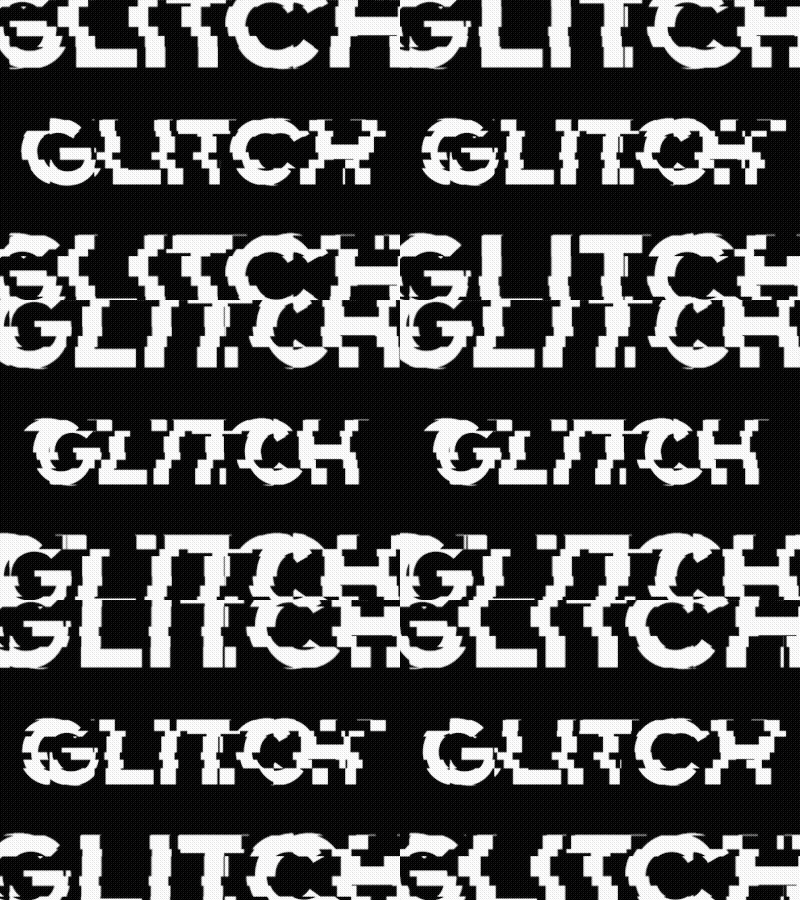
In this lesson, you will learn the basic techniques of creating glitch elements, as well as the tricks I use in almost every project.
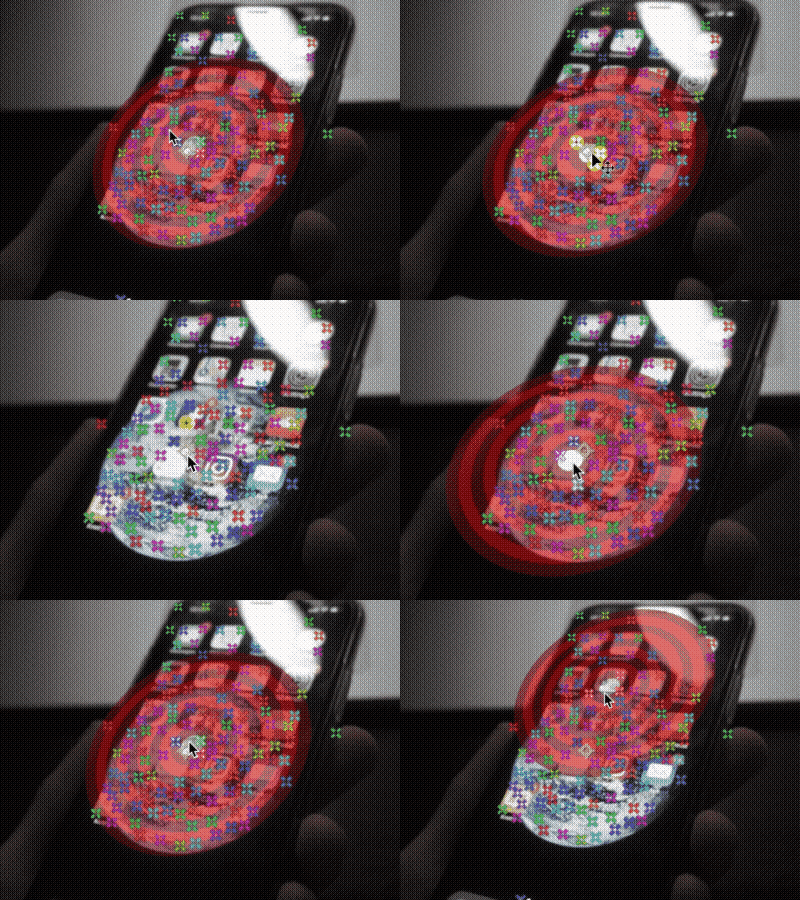
In this part, you will make object tracking in After Effects with 3D Camera Tracker, and you will understand how to track object movements, and learn some tips I usually use.
If you can’t track your object in After Effects, you will move to Cinema 4D and do Object Tracking here. Cinema 4D is a powerful tool for tracking, it takes more time, but the result is worth it.
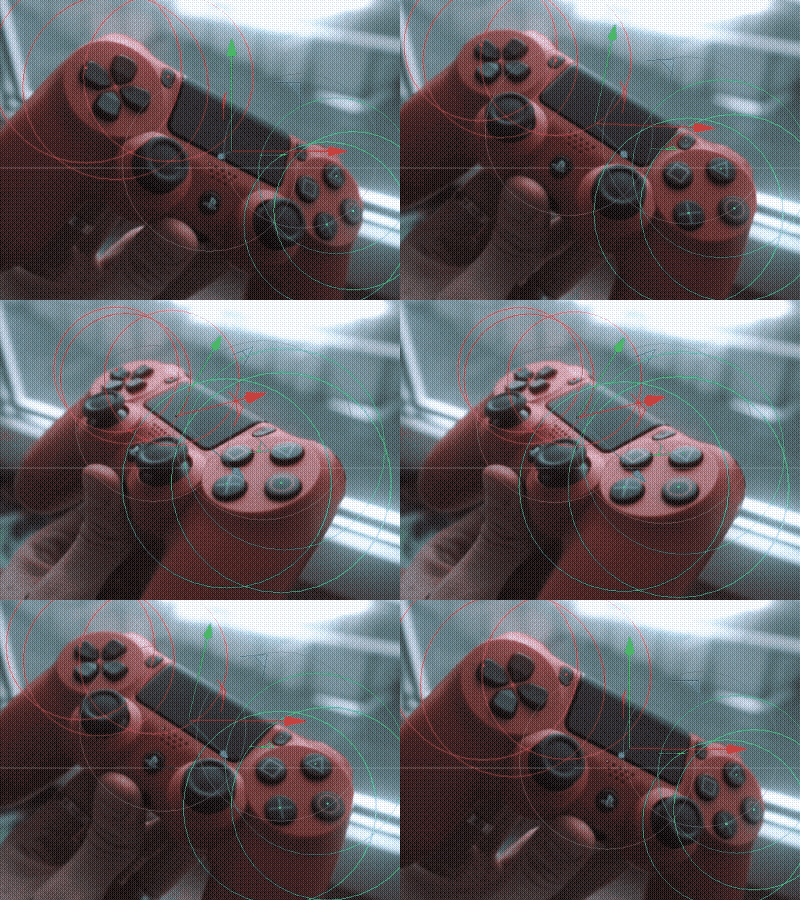
In this part, you will attach the future graphics to the object, learn some useful tips & tricks, and also begin to create glitch elements for graphics.
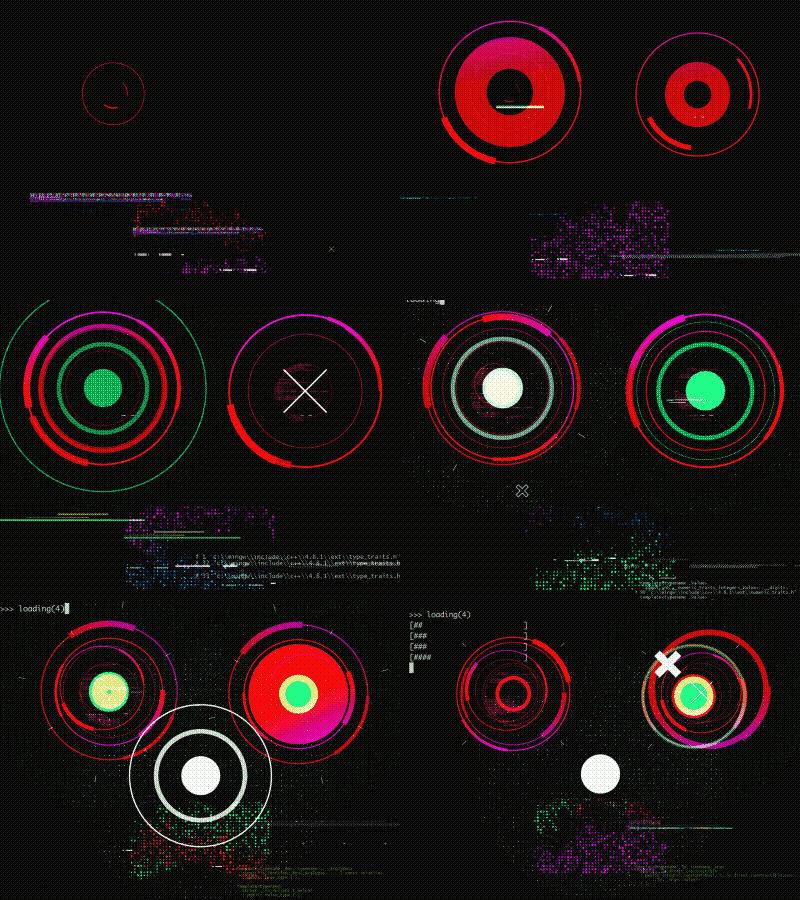
Proceed with elements, put them in space, add a beautiful glow to the scene, and also make the final touches. And RENDER.

In this lesson, I will tell you about creating a video with the AR Controller, how I created everything from the beginning to the end, what tools I used.

In this lesson, I will tell you about creating a video with the Space Bank Card, how I created everything from the beginning to the end, what tools I used.

Access to self-made glitch elements and project files.
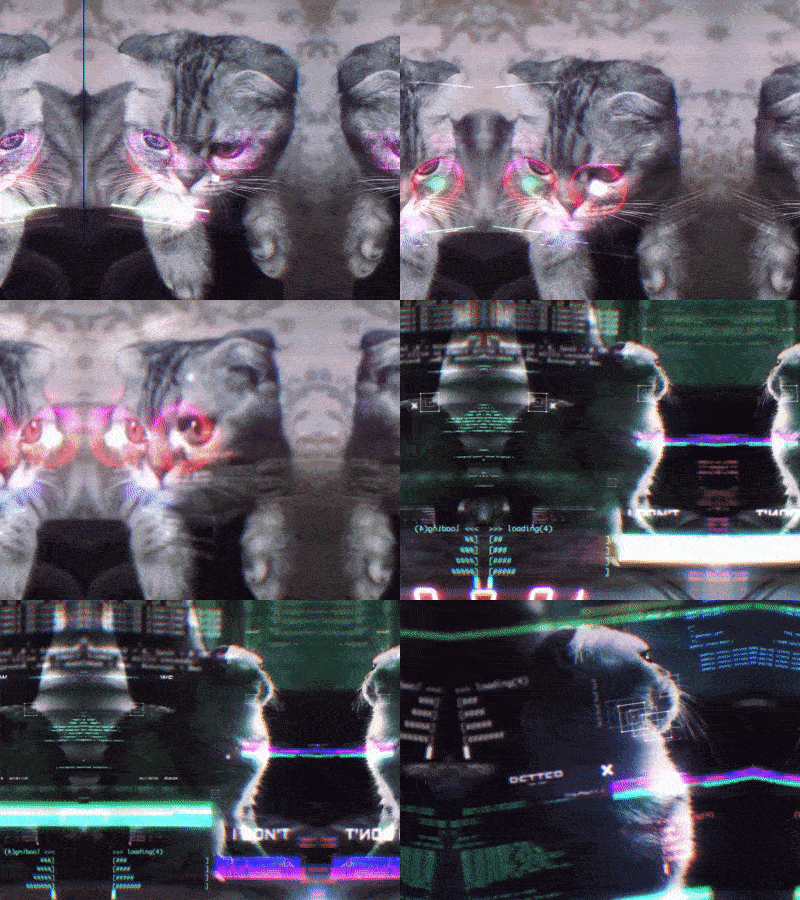

Learn fundamentals of glitch elements
Boost your VFX in After Effects
Speed up your workflow
Improve and stylize your animation
I’m going to show you the main techniques that I use to create Glitch Elements in After Effects. You will learn everything starting from creating your own library of elements and ending with the video tracking in Cinema 4D.
If unhappy with the course, you can request a refund within 14 days after the purchase and get every cent back. Course purchased before the actual starting date refund can be requested up to 14 days after the first installation. Note: not applicable if purchased with a discount coupon
Learn more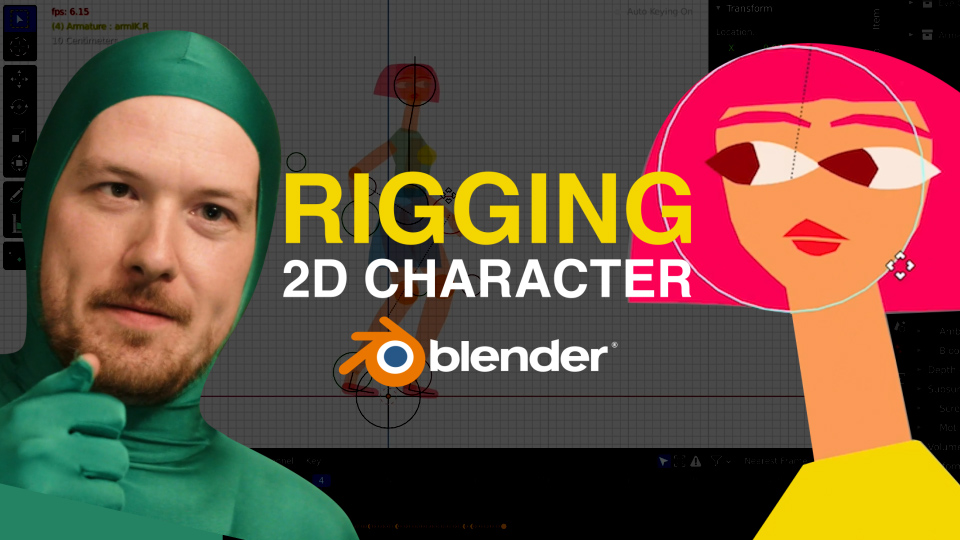 Learn more
 Learn more
 Learn more
 Learn more
 Learn more
 Learn more
 Learn more
 Learn more
 Learn more
 Learn more
 Learn more